TL;DR
There is a massive gap between a RAG demo that works in a Jupyter notebook and a RAG system that holds up under real user traffic. I have spent the better part of the last year bridging that gap, and I want to share the specific patterns, pitfalls, and architectural decisions that got us there.
There is a massive gap between a RAG demo that works in a Jupyter notebook and a RAG system that holds up under real user traffic. I have spent the better part of the last year bridging that gap, and I want to share the specific patterns, pitfalls, and architectural decisions that got us there.
Why RAG, and Why It Is Harder Than It Looks
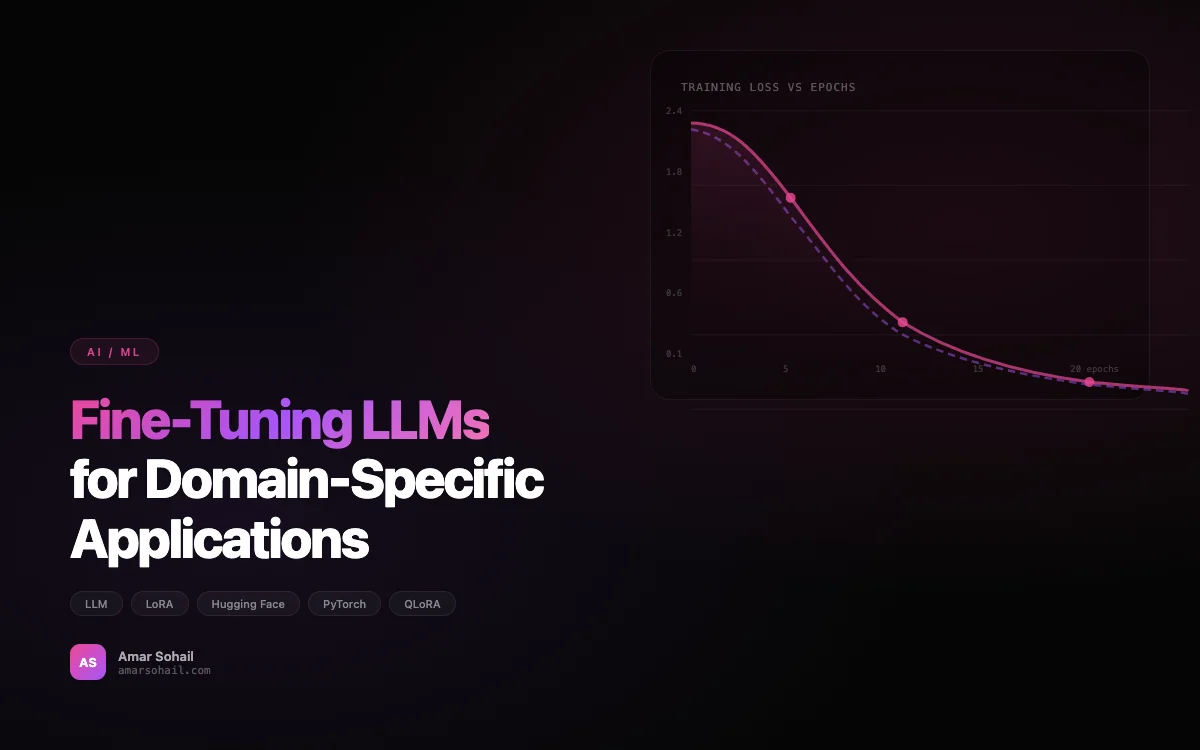
When we first started integrating LLM capabilities into our platform, the initial instinct was to fine-tune a model on our proprietary data. That approach has its place (I wrote about it in Fine-Tuning LLMs for Domain-Specific Applications), but for our use case — a customer-facing knowledge assistant that needed to stay current with frequently changing documentation — Retrieval Augmented Generation was the right call.
The idea is deceptively simple: instead of baking knowledge into model weights, you retrieve relevant context at query time and inject it into the prompt. In practice, every piece of that pipeline — chunking, embedding, retrieval, reranking, prompt construction, and response generation — has failure modes that only surface when real users start hammering the system.
The Architecture We Landed On
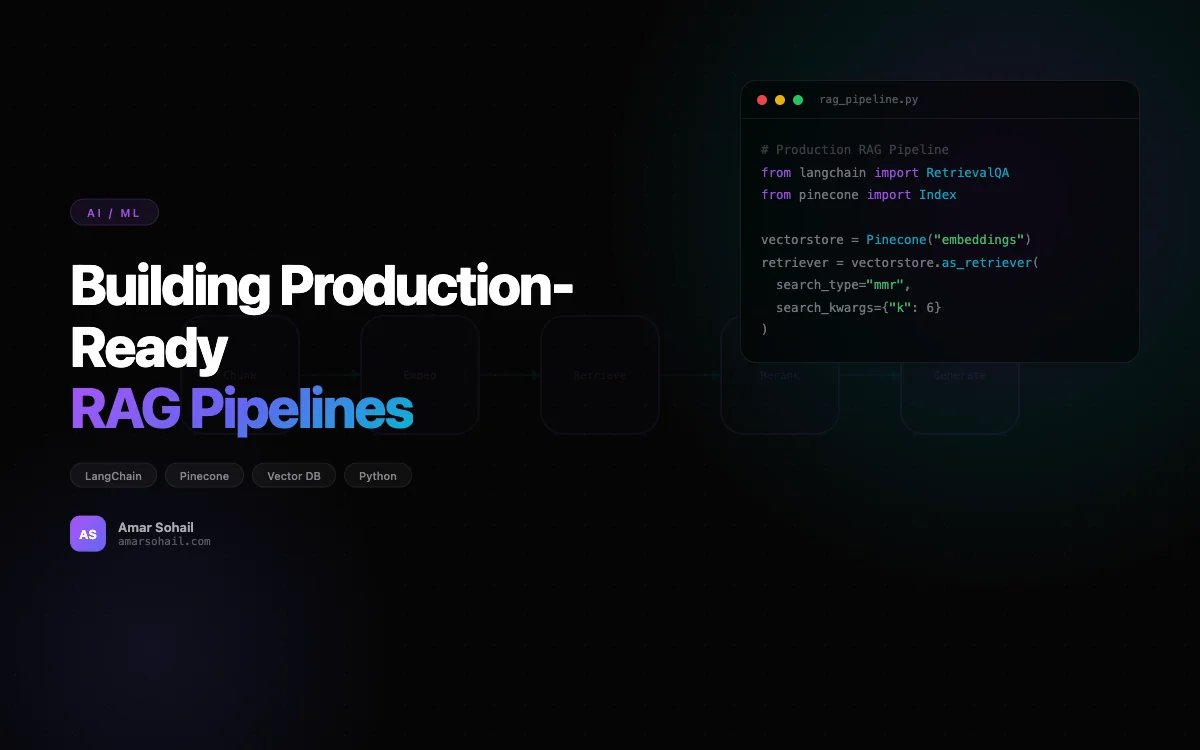
After three significant rewrites, here is the architecture that survived production:
# High-level pipeline overview
from langchain.embeddings import OpenAIEmbeddings
from langchain.vectorstores import Pinecone
from langchain.chains import RetrievalQA
from langchain.chat_models import ChatOpenAI
from langchain.prompts import PromptTemplate
import pinecone

pinecone.init(api_key=PINECONE_API_KEY, environment="us-east-1-aws")

embeddings = OpenAIEmbeddings(model="text-embedding-3-small")
vectorstore = Pinecone.from_existing_index(
    index_name="prod-knowledge-base",
    embedding=embeddings,
    namespace="docs-v3"
)

retriever = vectorstore.as_retriever(
    search_type="mmr",
    search_kwargs={"k": 6, "fetch_k": 20, "lambda_mult": 0.7}
)
We run this behind a FastAPI service with async endpoints, deployed on Kubernetes (more on that operational side in Kubernetes at Scale). The key decisions worth unpacking are the chunking strategy, the choice of vector database, and the retrieval tuning.
Chunking: Where Most RAG Pipelines Quietly Fail
The single biggest improvement we made to answer quality had nothing to do with the LLM and everything to do with how we split documents. Our first approach used LangChain's RecursiveCharacterTextSplitter with default settings — 1000 character chunks, 200 character overlap. It worked fine on short docs and fell apart on our longer technical specifications.
The problem was semantic coherence. A chunk boundary would land in the middle of a procedure, and the retrieved context would be useless or misleading. We moved to a hybrid approach:
from langchain.text_splitter import RecursiveCharacterTextSplitter
from langchain.docstore.document import Document

def chunk_document(doc: Document, doc_type: str) -> list[Document]:
    if doc_type == "api_reference":
        # API docs have clear structural boundaries
        splitter = RecursiveCharacterTextSplitter(
            separators=["\n## ", "\n### ", "\n\n", "\n"],
            chunk_size=1500,
            chunk_overlap=100,
        )
    elif doc_type == "long_form":
        # Technical guides need more overlap to preserve context
        splitter = RecursiveCharacterTextSplitter(
            separators=["\n## ", "\n### ", "\n\n", "\n", ". "],
            chunk_size=800,
            chunk_overlap=300,
        )
    else:
        splitter = RecursiveCharacterTextSplitter(
            chunk_size=1000,
            chunk_overlap=200,
        )

    chunks = splitter.split_documents([doc])

    # Prepend document title and section header to each chunk
    for chunk in chunks:
        section = chunk.metadata.get("section_header", "")
        title = chunk.metadata.get("title", "")
        chunk.page_content = f"[{title}] [{section}]\n{chunk.page_content}"

    return chunks
That last bit — prepending the document title and section header to each chunk — was a game changer. It gave the embeddings enough context to differentiate between similar content across different documents and reduced our "wrong document, right topic" retrieval errors by roughly 40%.
Why We Chose Pinecone Over Alternatives
We evaluated Pinecone, Weaviate, Chroma, and Qdrant. For a production workload, the decision came down to operational burden. Chroma is excellent for prototyping, but we did not want to manage our own vector database infrastructure. Between Pinecone and Weaviate, Pinecone won on query latency at our scale (around 2 million vectors) and the simplicity of their namespace isolation, which let us version our index without downtime.
One thing I wish we had done earlier: use namespaces to version your embeddings. When we changed embedding models from text-embedding-ada-002 to text-embedding-3-small, we had to re-embed everything. Having namespace isolation meant we could run both in parallel and A/B test retrieval quality before cutting over.
Retrieval Tuning: MMR Over Pure Similarity
We switched from plain cosine similarity search to Maximal Marginal Relevance (MMR) retrieval and it made a noticeable difference. Pure similarity search tends to return chunks that are near-duplicates of each other. When your top 5 results all say roughly the same thing, you are wasting context window tokens and often missing important related information.
MMR balances relevance against diversity. The lambda_mult parameter controls that tradeoff — at 1.0 it behaves like pure similarity, at 0.0 it maximizes diversity. We found 0.7 to be the sweet spot for our data, biasing toward relevance but still pulling in complementary chunks.
Adding a Reranker
Raw vector similarity is a rough signal. We added a cross-encoder reranker as a second stage, and it was worth every millisecond of added latency:
from sentence_transformers import CrossEncoder

reranker = CrossEncoder("cross-encoder/ms-marco-MiniLM-L-6-v2")

def rerank_results(query: str, docs: list[Document], top_k: int = 4):
    pairs = [(query, doc.page_content) for doc in docs]
    scores = reranker.predict(pairs)
    scored_docs = sorted(
        zip(scores, docs), key=lambda x: x[0], reverse=True
    )
    return [doc for _, doc in scored_docs[:top_k]]
We fetch 20 candidates from Pinecone, apply MMR to get 6, and then rerank to the final 4. This two-stage approach improved our answer accuracy from about 72% to 89% on our internal eval set.
Prompt Engineering for RAG
The prompt template matters more than most people expect. Early on we used a generic "answer the question given the context" prompt and got answers that would hallucinate freely when the context did not contain the answer. Our production prompt is explicit about constraints:
RAG_PROMPT = PromptTemplate.from_template("""
You are a technical support assistant for our platform.
Answer the user's question using ONLY the provided context.
If the context does not contain enough information to answer
the question fully, say so explicitly — do not guess or infer
beyond what the context states.

When referencing specific procedures, include the document title
and section for traceability.

Context:
{context}

Question: {question}

Answer:
""")
The line about not guessing cut our hallucination rate in half. Telling the model to cite document titles made answers verifiable, which our support team loved.
The FastAPI Service Layer
We serve this behind a FastAPI application with streaming responses. Streaming is not optional for a good user experience — nobody wants to stare at a spinner for 8 seconds:
from fastapi import FastAPI
from fastapi.responses import StreamingResponse
from langchain.callbacks import AsyncIteratorCallbackHandler

app = FastAPI()

@app.post("/api/ask")
async def ask(request: QuestionRequest):
    callback = AsyncIteratorCallbackHandler()
    llm = ChatOpenAI(
        model="gpt-4-turbo",
        temperature=0.1,
        streaming=True,
        callbacks=[callback],
    )

    chain = RetrievalQA.from_chain_type(
        llm=llm,
        retriever=retriever,
        chain_type_kwargs={"prompt": RAG_PROMPT},
    )

    async def stream_response():
        task = asyncio.create_task(chain.ainvoke({"query": request.question}))
        async for token in callback.aiter():
            yield token
        await task

    return StreamingResponse(stream_response(), media_type="text/plain")
Caching That Actually Helps
We added a semantic cache layer using Redis. Not exact-match caching — that has a terrible hit rate for natural language queries. Instead, we embed the incoming query, check against a cache index, and if we find a match above 0.95 similarity, we return the cached response. This cut our LLM costs by about 30% and dropped median latency from 3.2 seconds to 400 milliseconds for cache hits.
LangChain vs. LlamaIndex: A Brief Aside
People ask me this constantly. We started with LangChain and considered migrating to LlamaIndex around version 0.8. Honestly, for RAG-specific pipelines, LlamaIndex has a more opinionated and arguably cleaner abstraction. LangChain gives you more flexibility but demands that you make more decisions yourself. We stuck with LangChain because our pipeline had non-RAG components (tool use, multi-step agents) and LangChain's composability won out. If your use case is purely document Q&A, give LlamaIndex a serious look.
Monitoring and Evaluation in Production
You cannot improve what you do not measure. We track three metrics obsessively:
- Retrieval relevance: What percentage of retrieved chunks are actually relevant to the query? We sample 100 queries per week and have a human review retrieved chunks.
- Answer faithfulness: Does the answer stick to the retrieved context? We use an automated LLM-as-judge evaluation for this.
- User satisfaction: Thumbs up/down on every response, tracked over time.
We built a simple eval harness in Python that runs nightly against a curated set of 200 question-answer pairs. Any time answer accuracy drops below 85%, we get paged.
Key Takeaways
After running this system in production for eight months serving thousands of queries per day, here is what I would tell anyone starting out:
- Invest heavily in chunking strategy. It is the highest-leverage improvement you can make.
- Use a two-stage retrieval pipeline. Vector similarity alone is not precise enough for production quality.
- Be explicit in your prompts. Tell the model exactly what it should and should not do with the context.
- Version your embeddings. You will change models, and you need a migration path that does not involve downtime.
- Cache semantically, not literally. Exact match caching is nearly useless for natural language inputs.
- Measure everything. Retrieval quality, answer faithfulness, latency, cost. If you are not measuring it, it is degrading silently.
Building a production RAG pipeline is not glamorous work. Most of the effort goes into data quality, chunking logic, and retrieval tuning rather than the LLM itself. But when you get it right, the results are genuinely useful — and that is the whole point.